
Import and export
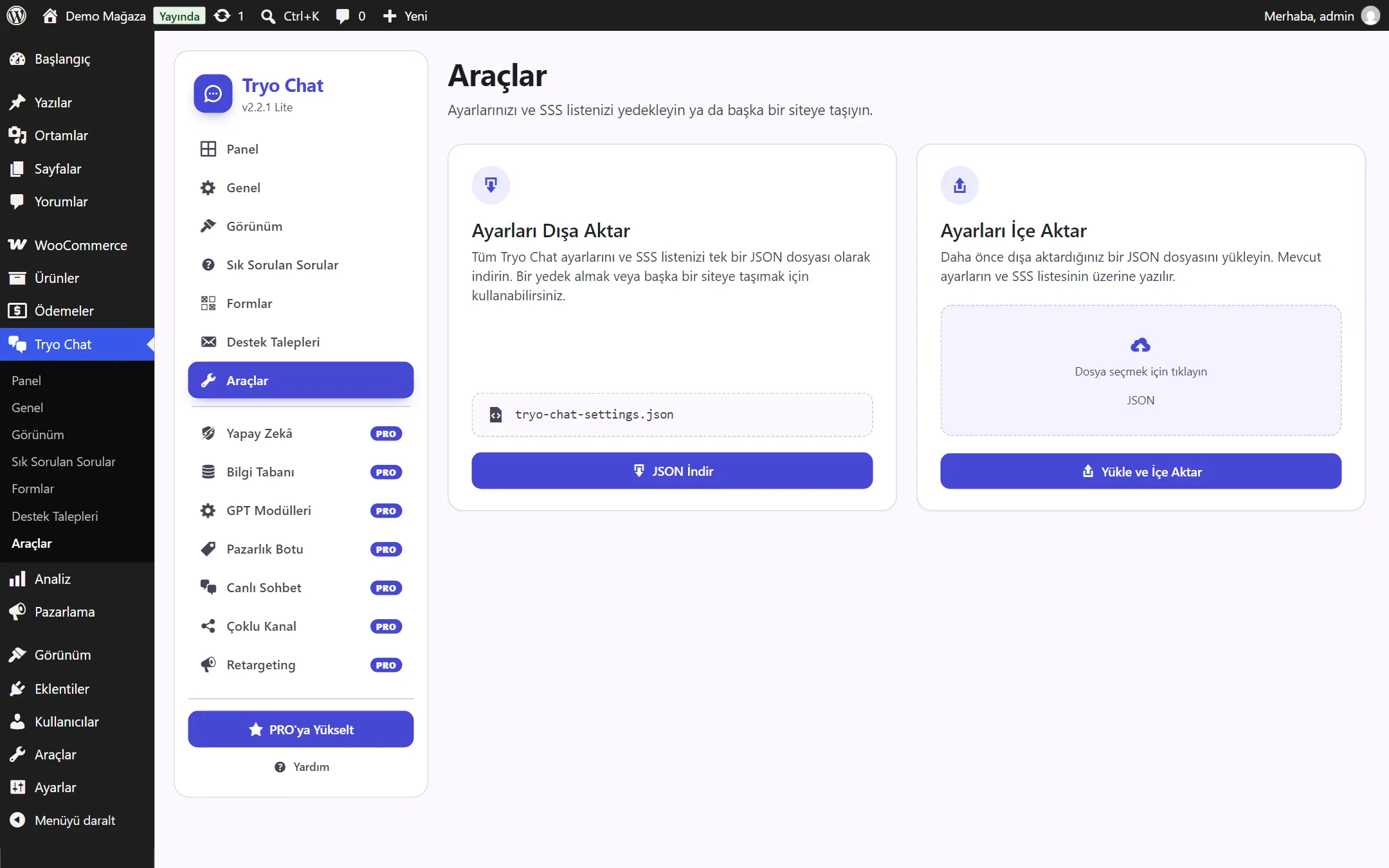
The Tryo Chat → Tools page lets you back up your settings and FAQ list to a single file, or move them to another site.
Exporting
Section titled “Exporting”Click Download JSON. A file named tryo-chat-settings.json is downloaded.
The file contains:
- all general and appearance settings,
- the FAQ list: questions, answers, categories and order.
The file does not contain:
- custom forms and form submissions,
- support requests: download these as CSV from the Support Requests page,
- the searches-with-no-results list.
Importing
Section titled “Importing”- Make sure Tryo Chat is installed and active on the site you are importing to.
- On the Tools page, choose the JSON file in the Click to choose a file area.
- Click Upload and Import.
Files exported from a version before 2.2.0 have no FAQ categories. The questions in such a file are added to the “General” category.